A few years back I used to write for Apps Magazine among a few other publications. It involved researching and reviewing the latest apps, the best apps in certain categories and taking the time to use each one to ensure that what I was writing was accurate.
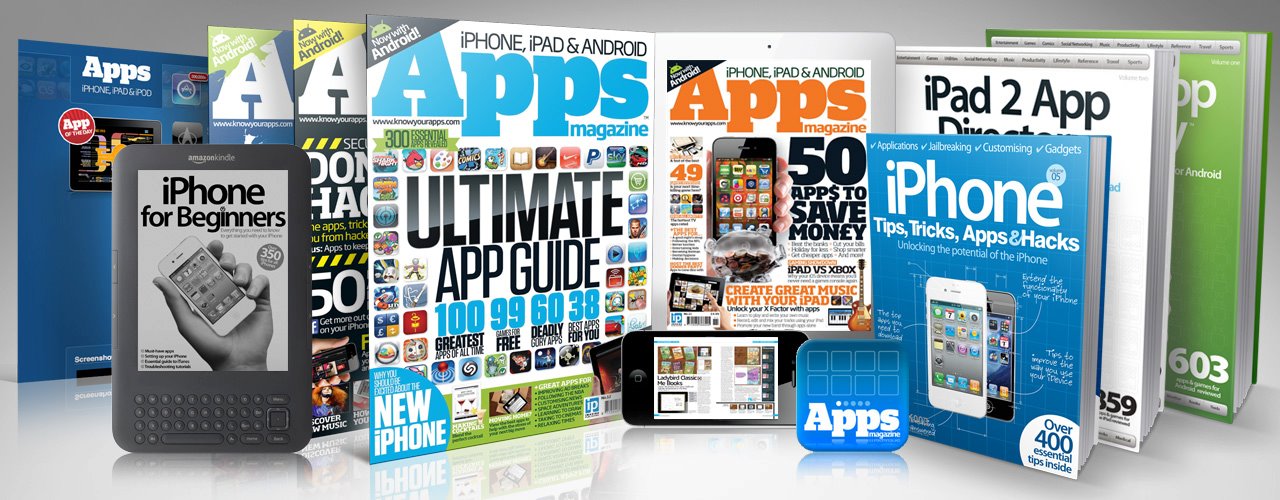
Over time it gave me an in-depth understanding of what makes an app useful, what good design is and how only very few apps rise above the rest. With my website writing since the year 2000 I suspect that I have used more than a thousand apps and written about hundreds of them.
I’m not writing this to say ‘look at me, I’m an app nerd!’ It is simply some context for when I say that Strflow is easily in the top 5 apps I have ever used.
I downloaded the app last week and thought that it seemed OK. The design is clean and it had some merit, but I am a serious Apple Notes user and couldn’t see a way in for any other solution designed to capture thoughts, links etc. I also use Raindrop.io for links and GoodTask for tracking collections. Yes, GoodTask is a surprisingly effective way to catalogue items you need to keep track of.
I kept trying it for the next two days and found myself adding more bits and pieces to Strflow until it hit me.
The simplicity of the tag system is useful, but not unique. The instant text entry is useful, but not unique. The design is simple, but not unique. Put it all together, however, and it is close to flawless.
It is sooooooooo easy to add and categorise new information that it quickly became the first place for me to capture ideas, links and entries that I need to keep. Also, selecting a historic date for each entry is as efficient as it could be.

Over the past year I have needed to keep a record of hospital appointments and test results. I stuck them in Strflow.
I have a few milestone notes for important events in my life. I stuck them in Strflow.
My watch and vinyl collection, and the books I have read. I stuck them in Strflow.
Ideas and articles to link to for McGST. I stuck them in Strflow.
Things to buy. I stuck them in Strflow.
Memories such as trips and holidays. I stuck them in Strflow.
And so the list could go on.
I cancelled my Raindrop.io renewal for next year straight away and will no longer use Apple Notes for certain things- it is just not quick enough at the entry point to compete with Strflow.
It is hard to put into words just how efficient this app is. There is no barrier to entry and capturing a new thought doesn’t feel like using a computer at all, even if it is a handheld computer called a phone.
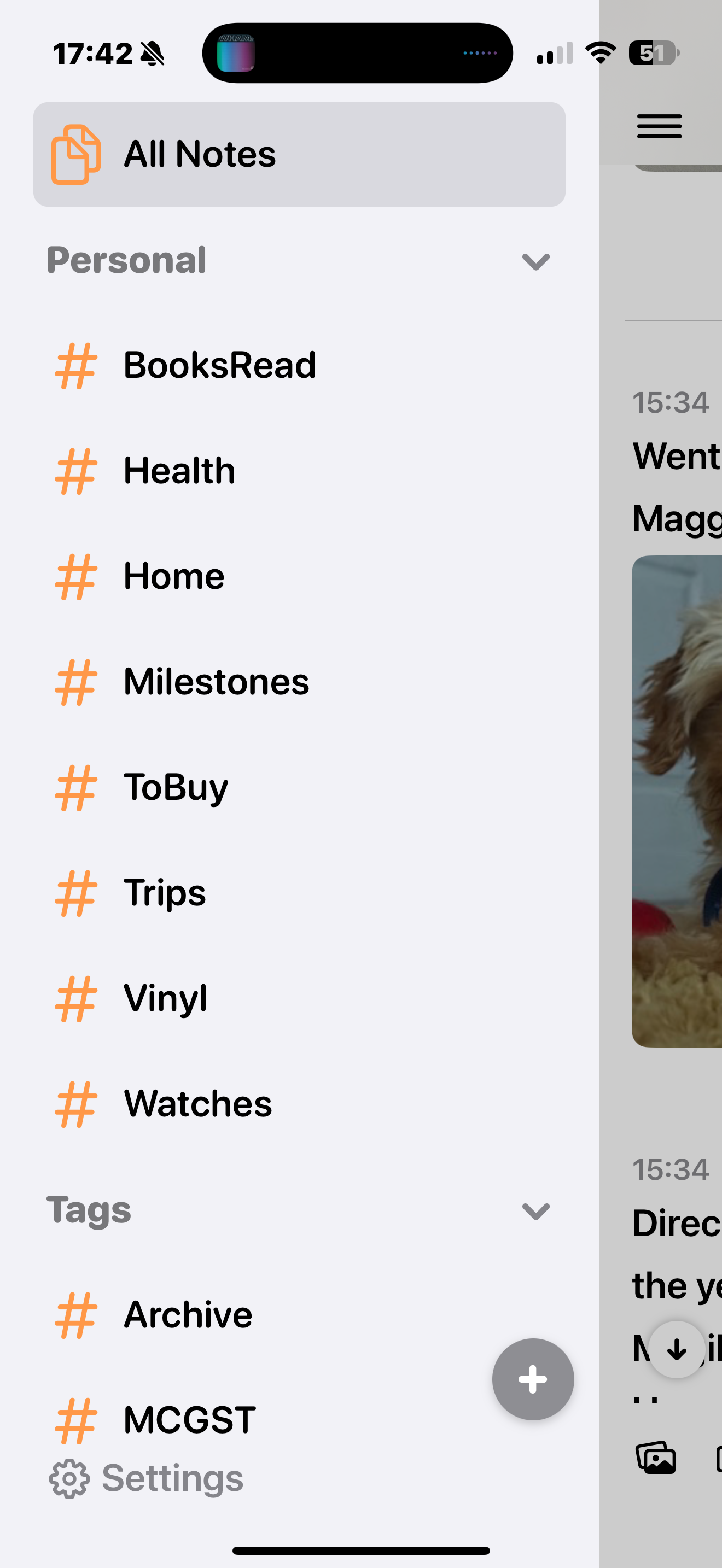
It’s also hard to describe how well designed it is. The completeness of the interface is rare to see and everything from the date picker to tag creation and manipulation has been carefully considered throughout. ‘Considered’ is the best work to describe how this app feels.
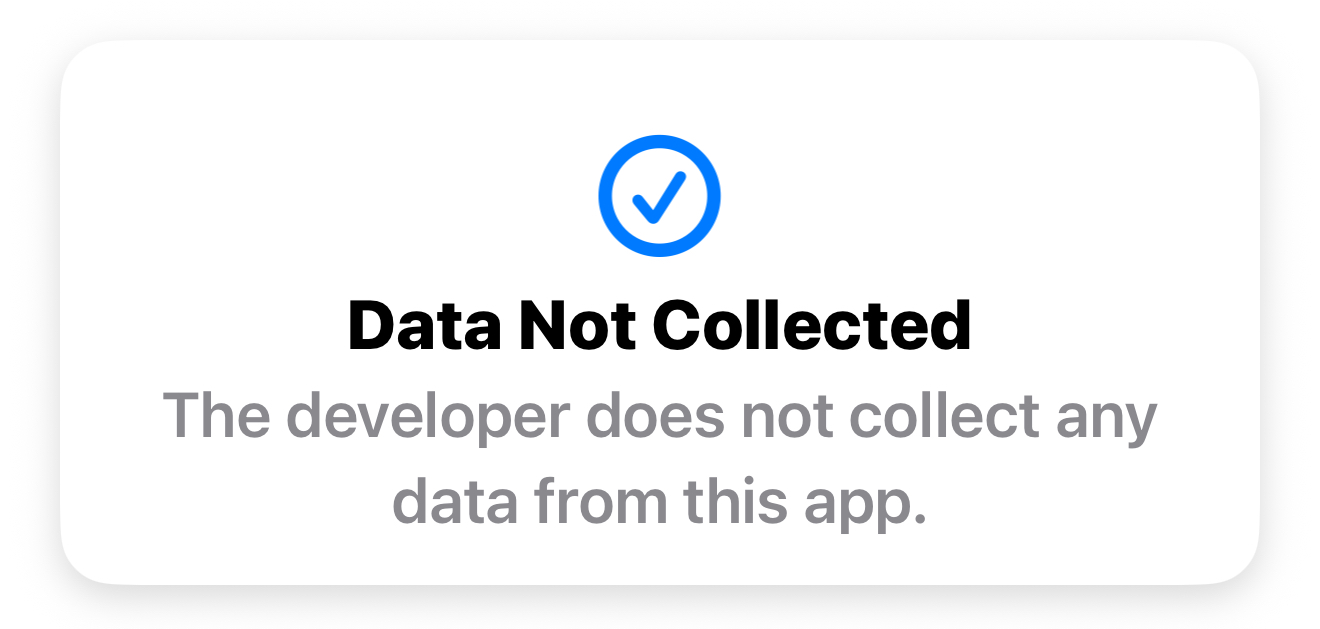
Privacy is not a concern which is a nice bonus and the pricing is more than reasonable. Some will ask for a lifetime option, but when an app offers so much utility I would rather know that the developer is making enough money to keep updating it.
There really is little I would change, but the roadmap looks decent for what will come next-
Support for attaching files in various formats
Calendar view
Optical Character Recognition (OCR)
Adjustable text size and font options
Strflow for iPadOS
I would like to see a number next to each tag to signify how many have been saved, but I suspect that for 99% of users that will not be needed. I guess I just like numbers.
You need to try Strflow. I haven’t felt so positive about an app in many years and can see this becoming, perhaps, my main solution for the stuff I need to keep. Seriously, it is FANTASTIC!
More details of Strflow are available here. Access all of Strflow’s essential features for free, including unlimited notes, tags, and attachments. For power users, the Strflow Plus plan offers advanced functionalities. Priced at $1.49/month or $14.99/year.
Categories: Apps, iPhone, Mac, Product Reviews


I’ll give it a shot. I’ve lost a lot of ideas in Asia that disappeared though. Google Keep is the only other notes app I’m using currently other than Apple notes.
LikeLike
I always worry about Google just dumping apps.
LikeLike
I do too.
LikeLike
I am curious to know your thoughts about Strflow vs these two:
https://tapteek.com/pasteline
https://jotnpaste.com/
LikeLike
Top one collects too much data, StrFlow collects none.
Second one is desktop only.
LikeLike
I see. I’ll stick with Strflow then. One issue I am facing is that the page icon for editing a note in the Mac app is not always clickable.
LikeLike
It is very precise and sometimes difficult. It’s the only issue I have found so far is am using the app all the time.
LikeLike